nautivia.eu · 9 clips · ~1,200 frames · 20 credits a clip · ~130 deploys
The hidden cost of a homepage you scroll like a film
The homepage of nautivia.eu is a film that plays as you scroll. A car drives onto a car ferry, a person walks on foot to a catamaran, a sailboat goes to a mooring buoy, and at each message the film stops on a card with live data. It is one of the coolest things I have put on a site, and it is mostly work nobody sees. I built it with Claude Code; I was the eyes. This is the bill.
The part people want
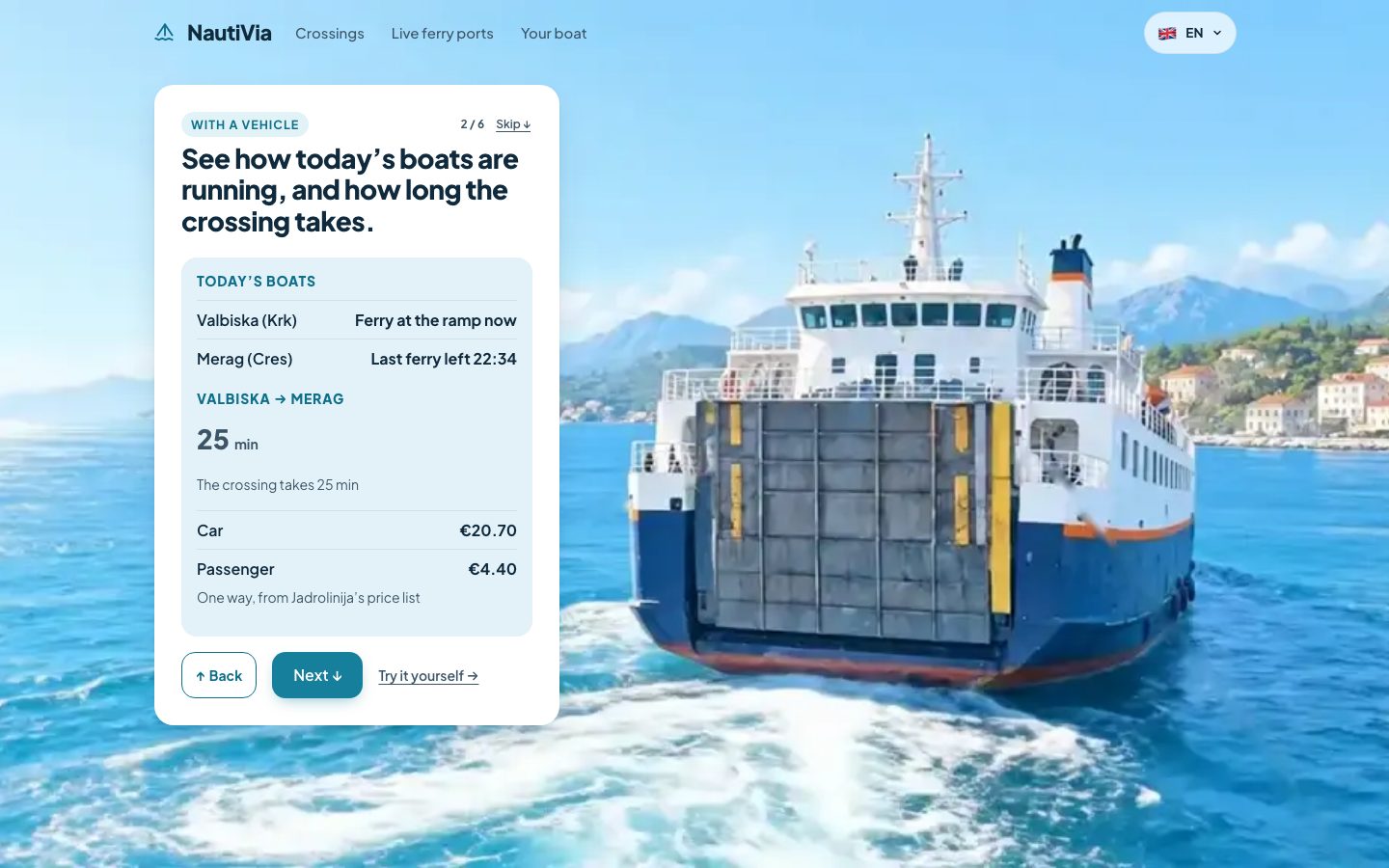
You scroll, the film moves with you, it stops where the message is. When it works there is nothing to notice, and that is the point.
Credits are the currency
Every clip comes from Google Flow (Veo), generated between AI keyframe images. On a free Flow account a clip costs 20 credits, and the free credits refresh 24 hours after first use, so one account yields about two clips a day. I ran it on my own account and on my parents' accounts, with their OK: they are my parents and support what I am doing. An overnight script waits for the credits to refresh and starts the next generation at 00:40.
I have no verified money figure for this, so I am not stating one. The expensive things were credits, days of waiting for them, and hours of reviewing the result frame by frame.
The clips are extracted into JPG sequences and drawn on a canvas as you scroll. The wide film is about 1,200 frames across 9 clips.
Phones are a second film
A phone is upright, and a wide film cropped to a phone loses the subject. The proper fix is a separate 9:16 shoot, which is another round of clips and credits. Until it is done, some phone clips are crops of the wide film with a crop-focus keyframe per clip, so the focus moves and the boat stays in frame.
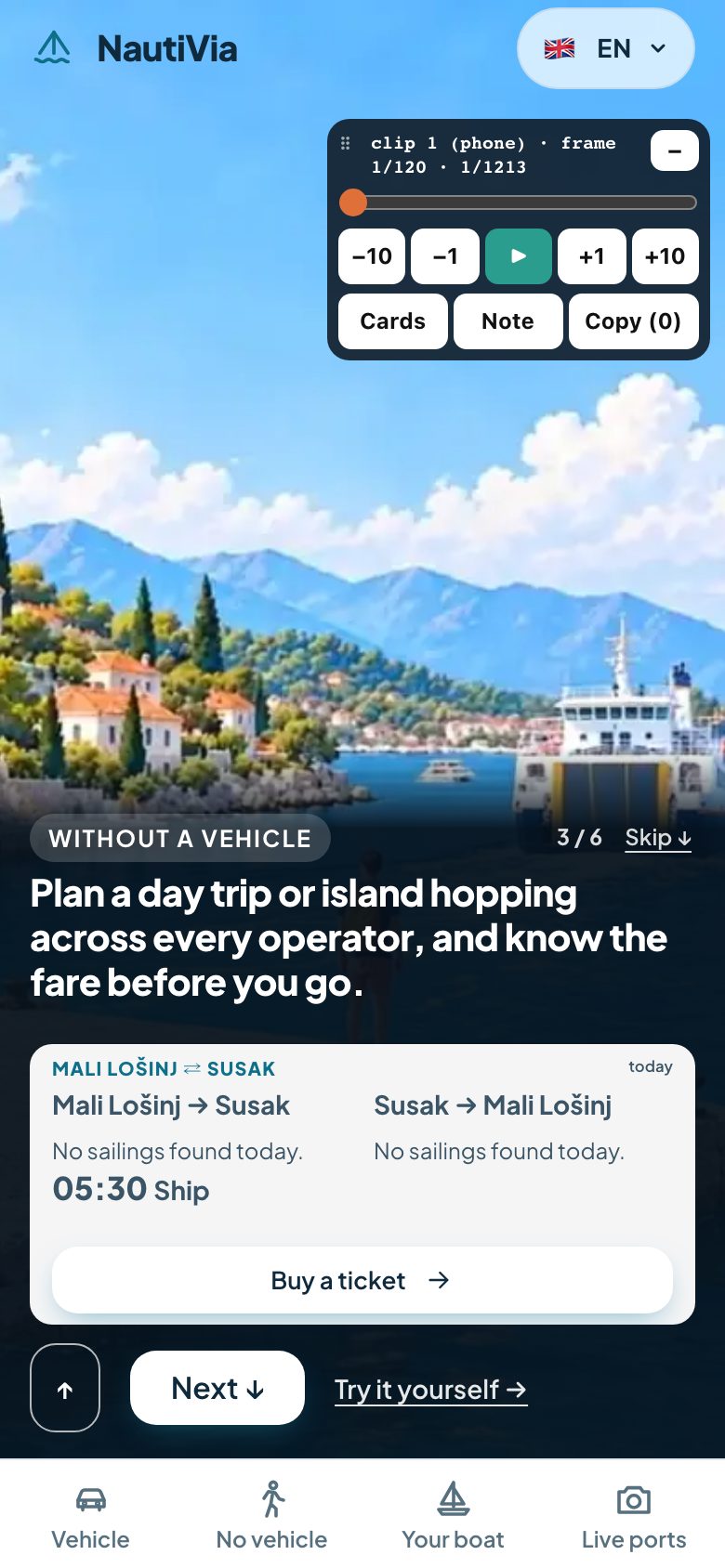
That card had its own trap: iOS Safari's collapsing toolbar opened a gap under it. position: fixed closed the gap.
The wrong boat
The story needs a motor catamaran. Veo kept producing a sailing catamaran with a mast, and in one clip the boat changed from motor to sail and back mid-shot. My note to Claude was "it's the wrong catamaran, it's a significant issue". The fix is a re-shoot, which is another 20 credits and, on a free account, another day. It is pending tonight. This is a limit of the video model, and it is part of the price of the format.
Hiding the jumps
Where one clip ends and the next starts, the picture jumps. Three things I tried:
- Image alignment (an ECC affine warp) of the last frames onto the next clip's first frame, eased in over the last 40 frames. This works.
- A quick whip-pan into the next clip instead of a hard cut. This works too.
- Cross-fades. They ghosted the walker (two copies of a person in the picture), so I dropped them.
Reviewing 1,200 frames
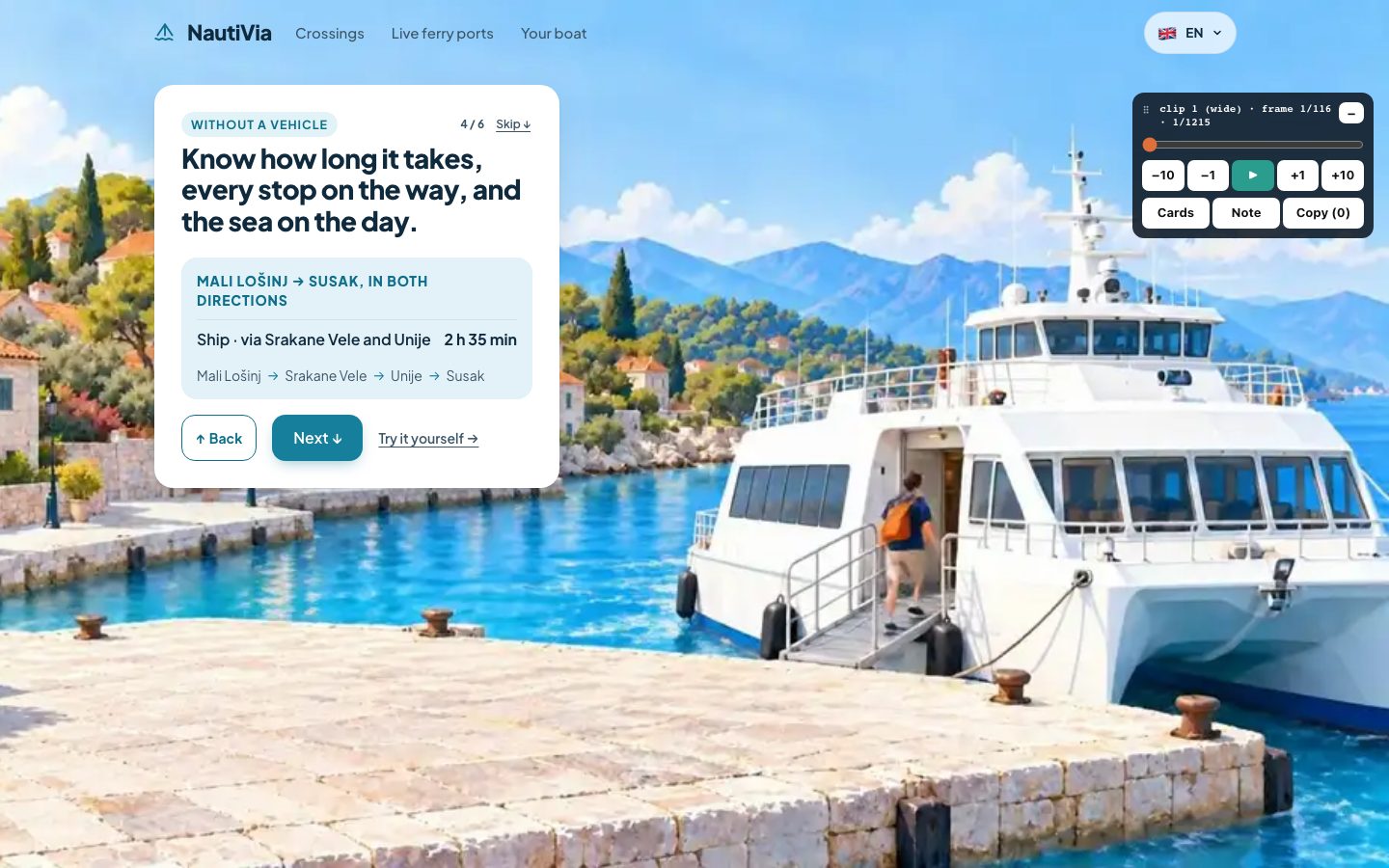
?review=1.I could not judge a film by scrolling it, so Claude built a dock into the page: step by 1 or 10 frames, a note box, notes saved. I reviewed on my phone. The first version covered too much of the screen, so it became minimisable and draggable. A lot of the feedback was me, with the phone in my hand, typing things like "the end is weird and feels broken", "it's annoying me now", "the experience now sucks" and "it's blocking the whole view, our real estate is limited".
The one I would explain to a stranger: snapping
Snapping sounds like one line of CSS. The film should stop at each message. The first version snapped in both directions. When I scrolled back up it took over my scroll and tried to snap at regular speed. My message was: "when I scroll back ... it hijacks my scroll trying to snap at regular speed, feels extremely wrong".
A stop is a promise to show the next message. Going down, that is true. Going up the person is not watching the story, they are looking for something. So the rules became:
- Snapping only on the way down.
- Scrolling back up is free, and the film rewinds 8x fast.
- A hard fling cannot skip a stop.
- A refresh always starts at the top (the browser's scroll restoration is off).
- The end page holds, so you cannot scroll back from it by accident.
- The feedback button is pinned bottom-right on phones.
I also cut the stops from 11 to 6 by merging cards, because most of the steps were unnecessary.
Proof that it works
Every change was checked in a headless browser at five screen sizes: 1440x900, 1280x720, 768x1024, 390x844 and 375x667. The film's script has been deployed about 130 times, and the asset version is at 132.
Still worth it
Yes. A film that plays as you scroll is the most memorable thing on the page. I would budget for it as a small production, not as a front-end task.